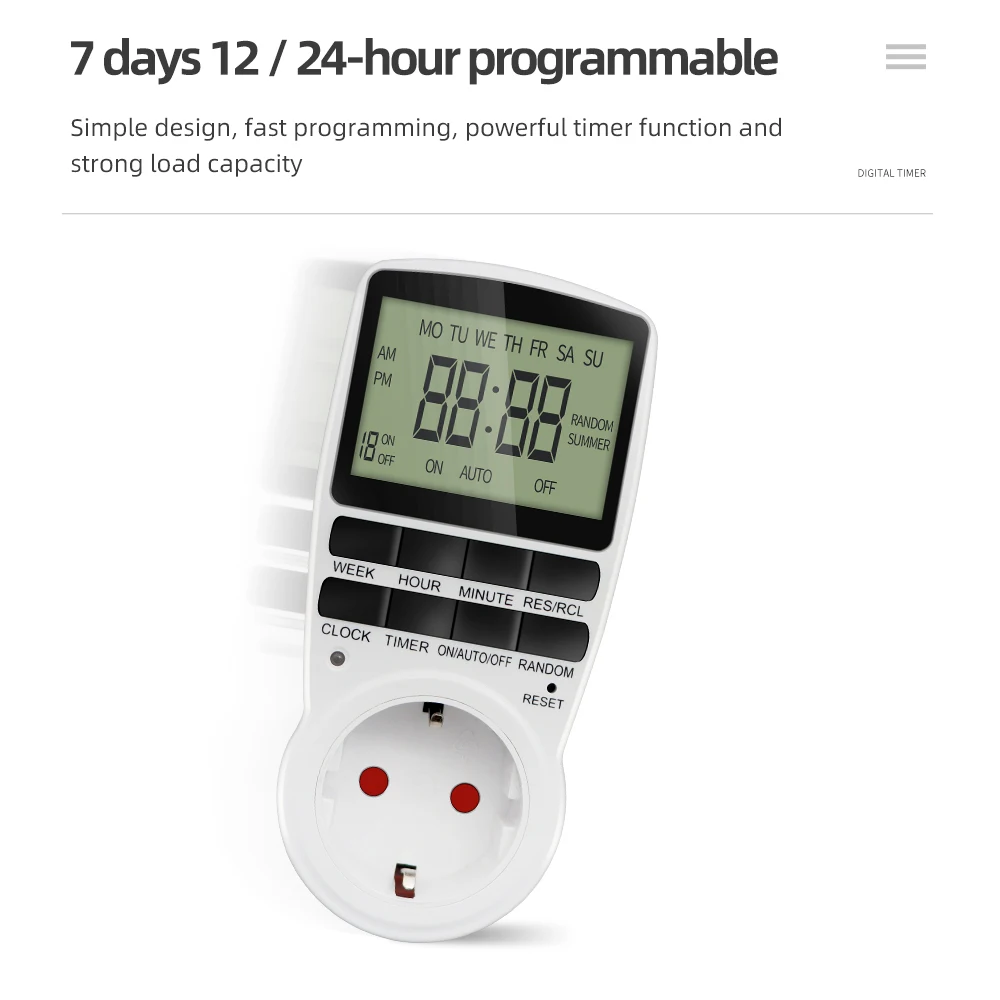
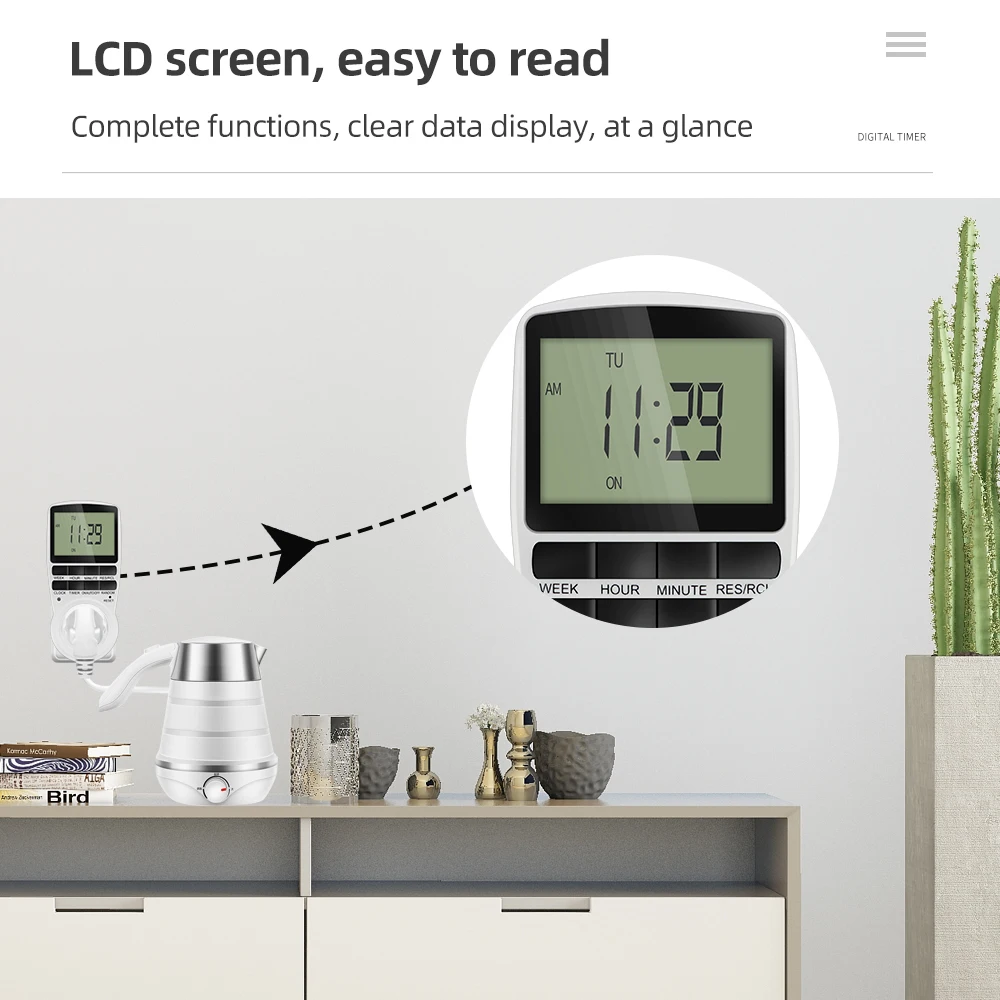
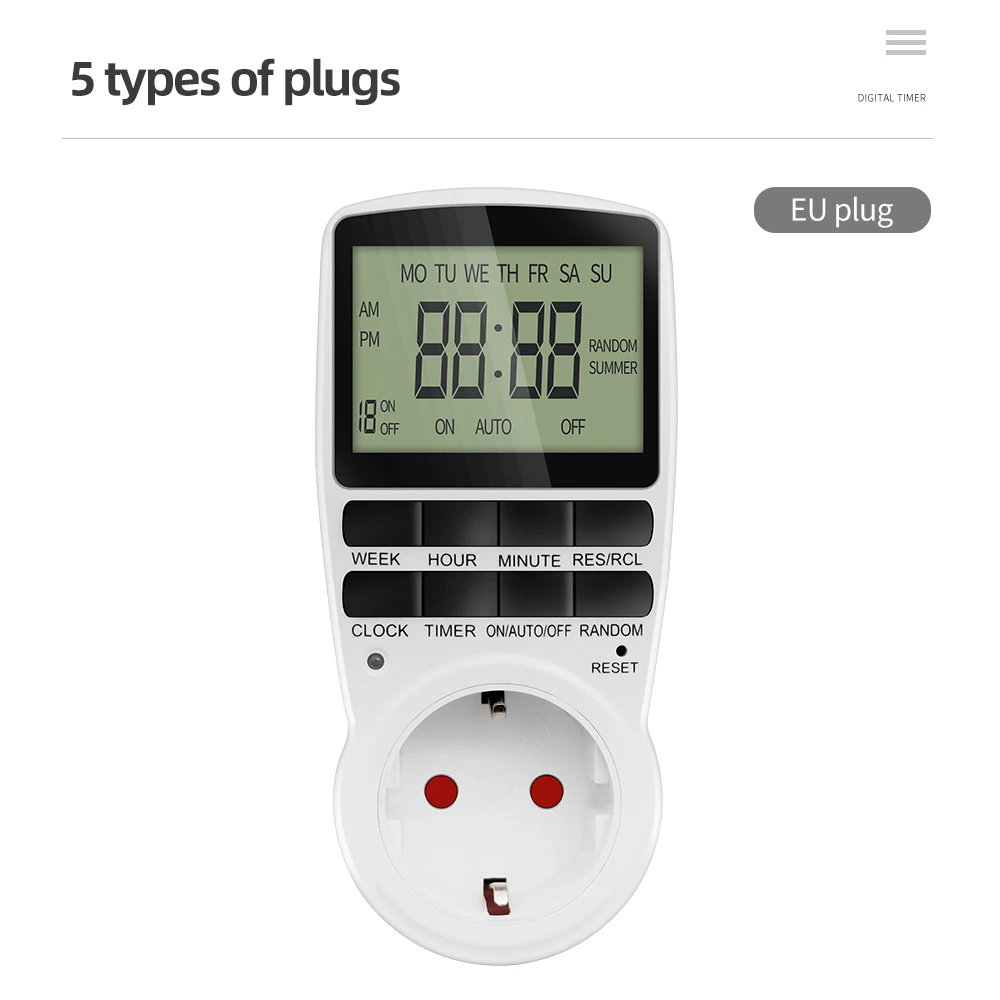
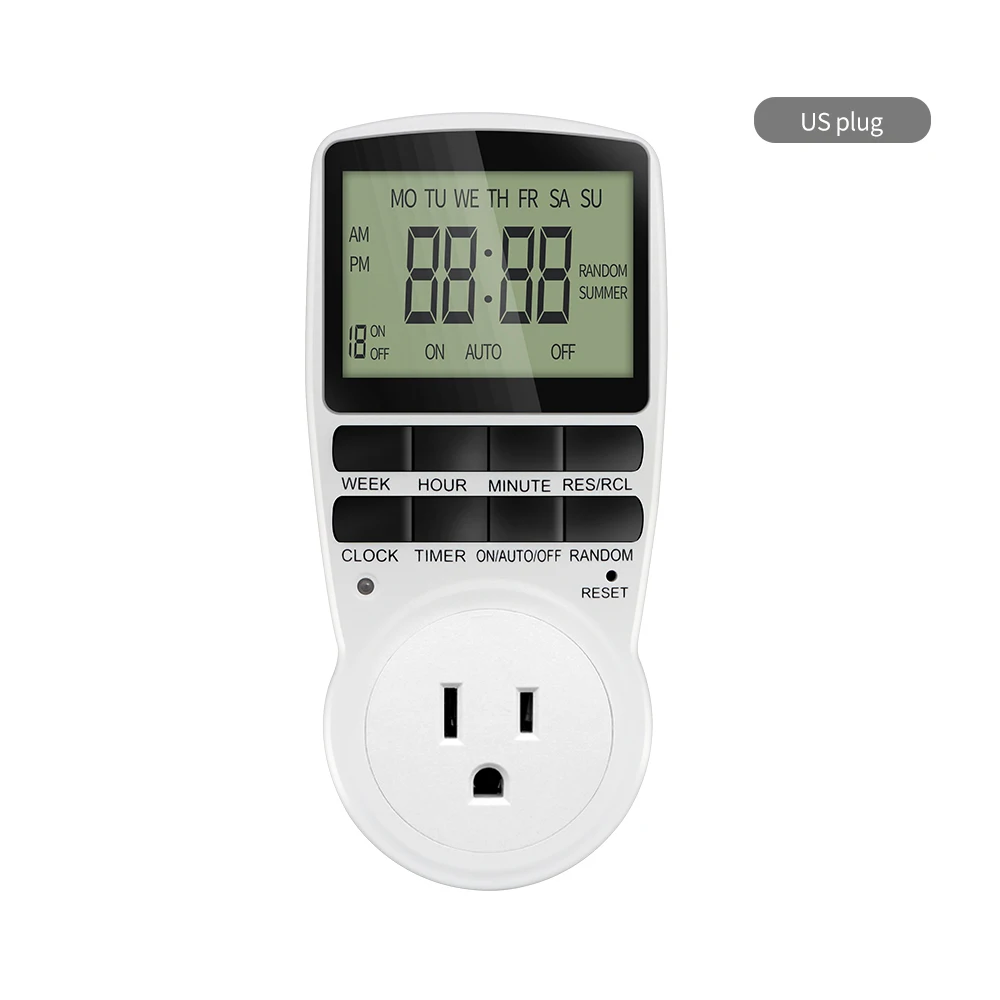
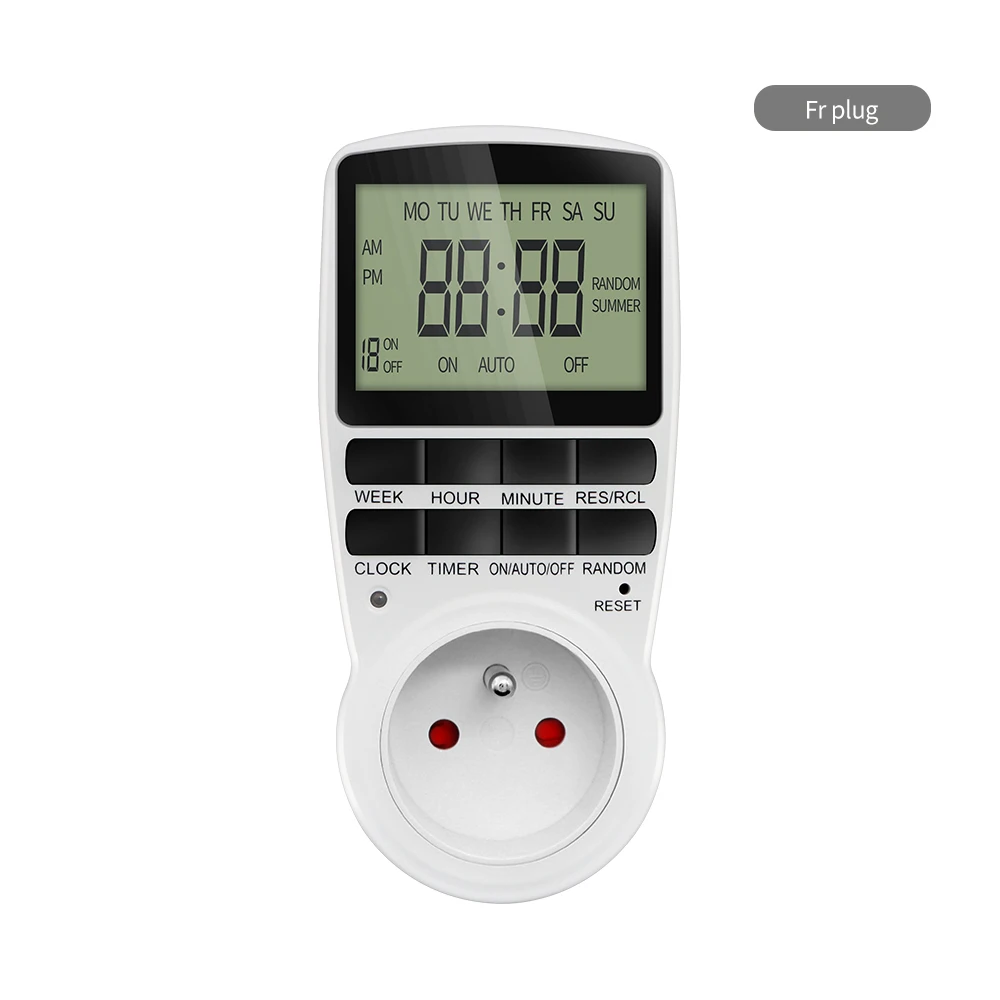
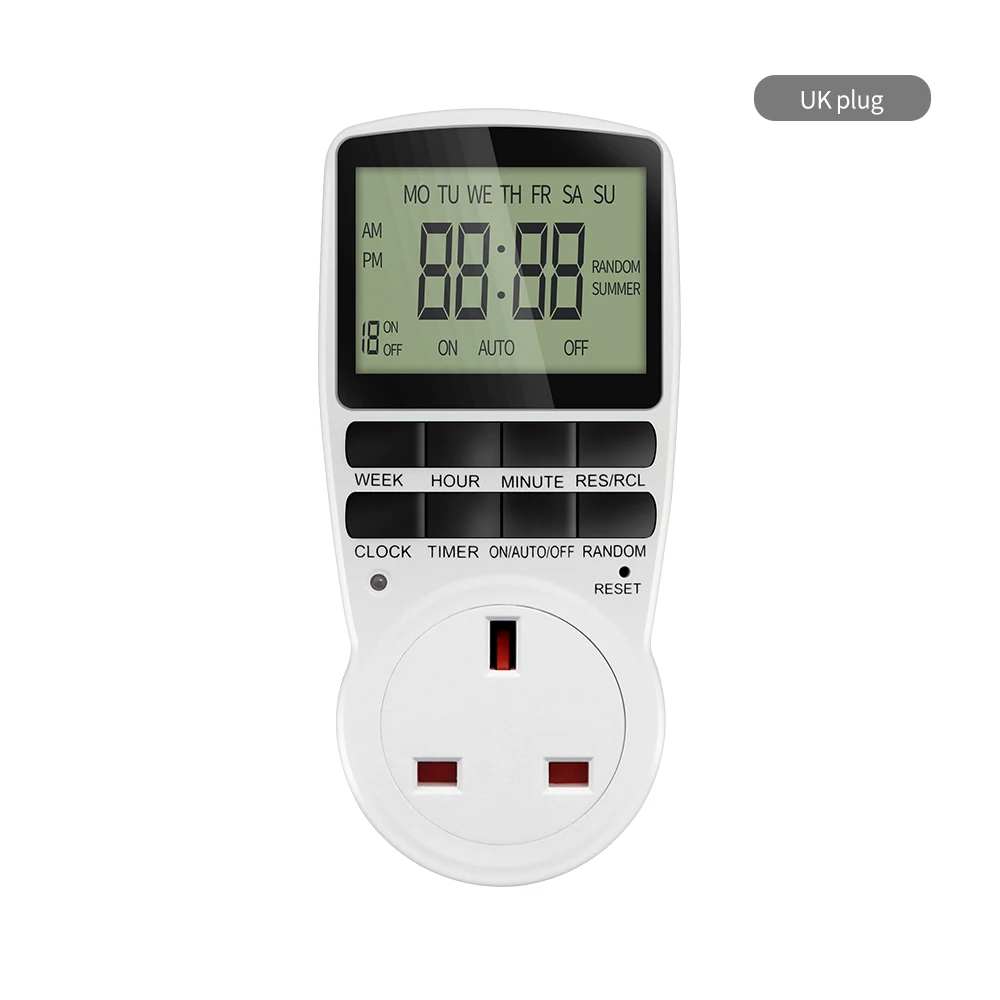
Digital Timer Switch EU Programmable Electronic Timing Socket US UK FR AU Plug Outlet Kitchen Appliance Time Control Day/Hour
This item may not ship to United States. Change the “Ship to” country at the top to check another country.
Specifications
- Semi-finishedproduct
- No
- Battery Included
- no
- High-concerned chemical
- none
- Theory
- Electronic
- Model Number
- TM02
- Brand Name
- JUANJUAN
- Origin
- Mainland China
- Use
- Timer Switch
- Feature 1
- Timer Switch
- Feature 2
- Timer Socket
- Feature 3
- Time Control
Description
Digital Timer Switch EU Programmable Electronic Timing Socket US UK FR AU Plug Outlet Kitchen Appliance Time Control Day/Hour
Specification:
Product Name: Timer
Number of programs: 10 groups setting
Hull material: PC
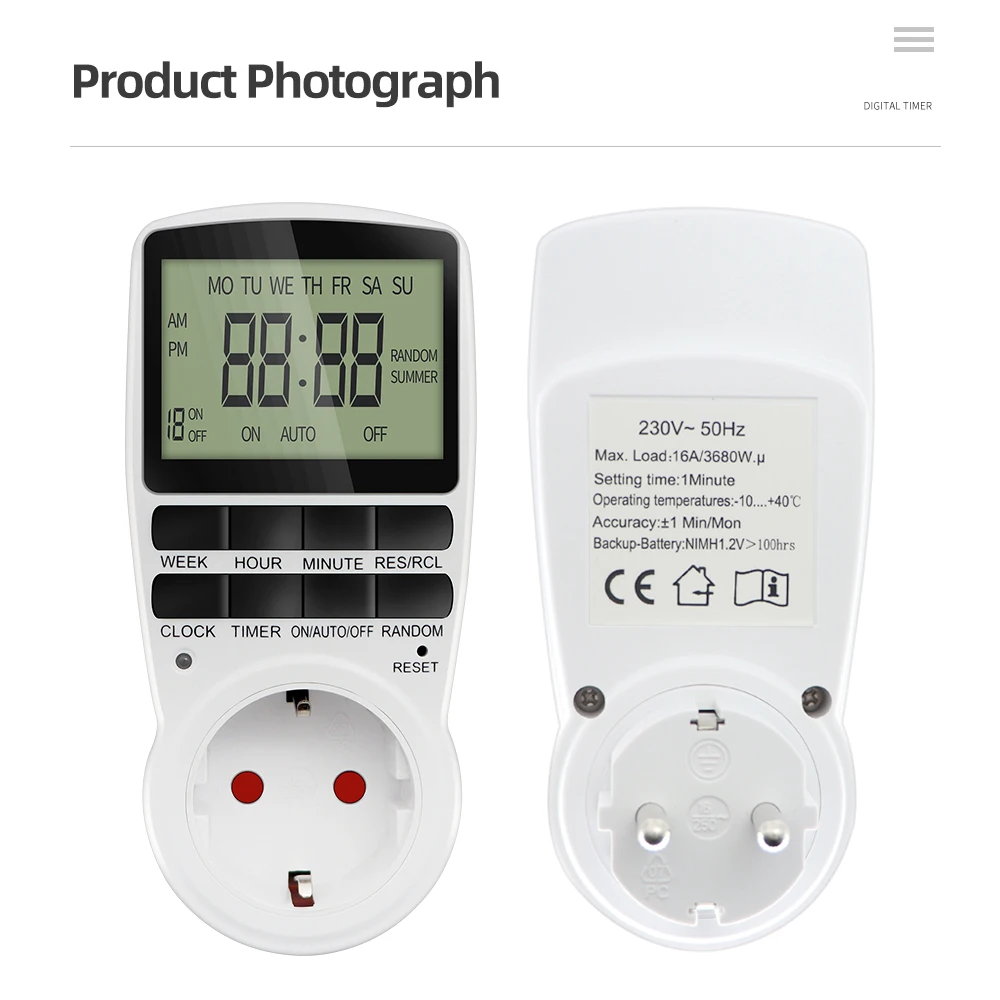
Operating temperature: -10-40 ℃
Min in the timer setting: 1 Minute
Accuracy: +/- 1 Min / Mon
Type:EU(230V 50Hz) EU timer Load: 16A/3680W
UK(230V 50Hz) UK timer Load: 13A/2900W
AU(240V 50Hz) AU timer Load: 10A/2400W
US(120V 60Hz) US timer Load: 15A/1800W
Features:
Plug-in design; Easy programming
8 Keys Timer Function
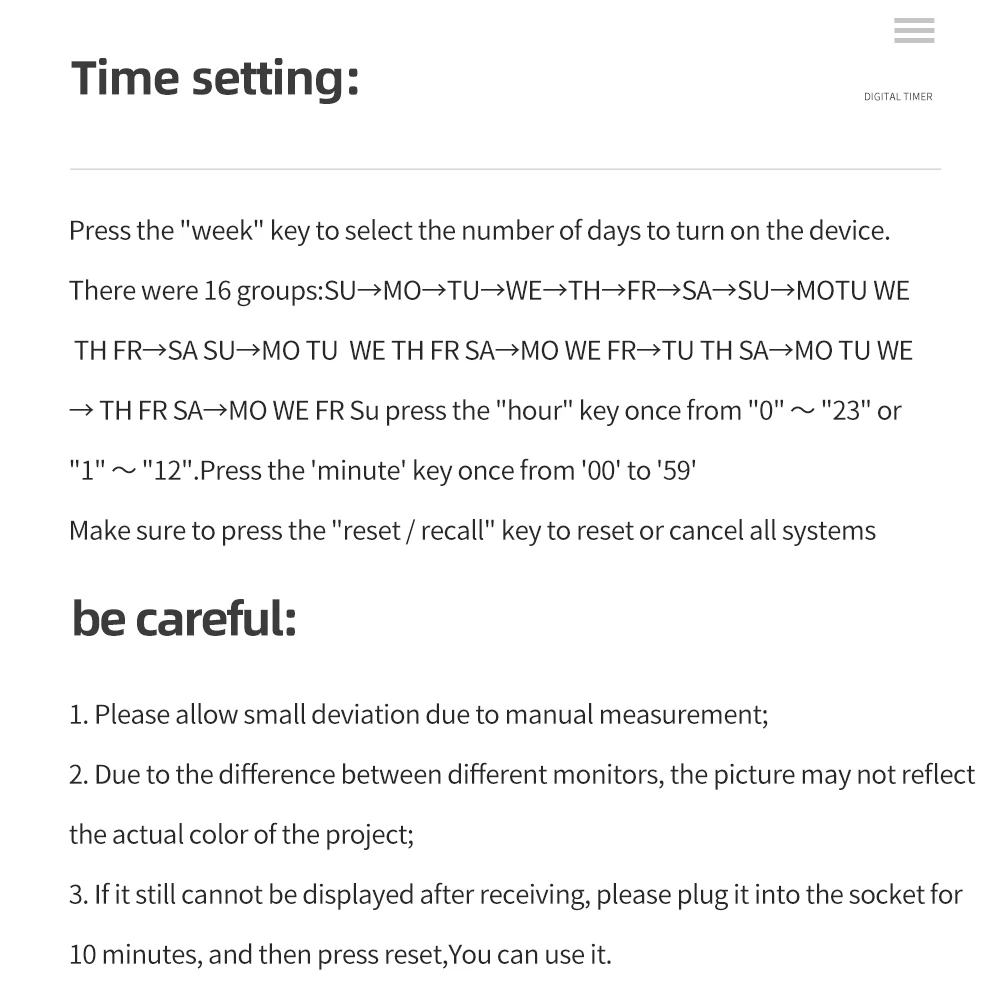
16 kinds of Days group setting
Time setting is include HOUR, MINUTE and WEEK
Summer & winter time mode
Random function
12/24 Hours changeable
Integrated rechargeable batteries
Time setting :
1. Press and hold the “clock” button and press the “week” button until the actual day is displayed, then pressing the “ hour “or “minute” and “Clock” button until the current time or MINUTE is displayed. When setting, the week, hour or minute buttons can be selected for quick counting
2. Release both buttons, the week and time will be set.
3. To reset the incorrect time,reset it and then repeat the previous steps.
Setting programs:
1. Press the timer button and release. 1on Will display on the screen.
2. Press the week button to set the day or blocks of days, set the time by pressing the hour button, then the minute button.
3. Press the " timer" button again to complete the first setting .1 off will display on the screen.
4. Press the week button to set the day or blocks of days, set the time by pressing the hour button, then the minute button. 1 group of setting finish.
5.Repeat 2 ,3 and 4 to program the other setting.
6. After finishing the settings, press the clock button and the timer is ready to operate.
Package Included:
1 x Digital Timer Socket ( Please choose the type you need )
1 x English Manual